
Home Paperwork Checklist: What to Keep, Shred and Scan
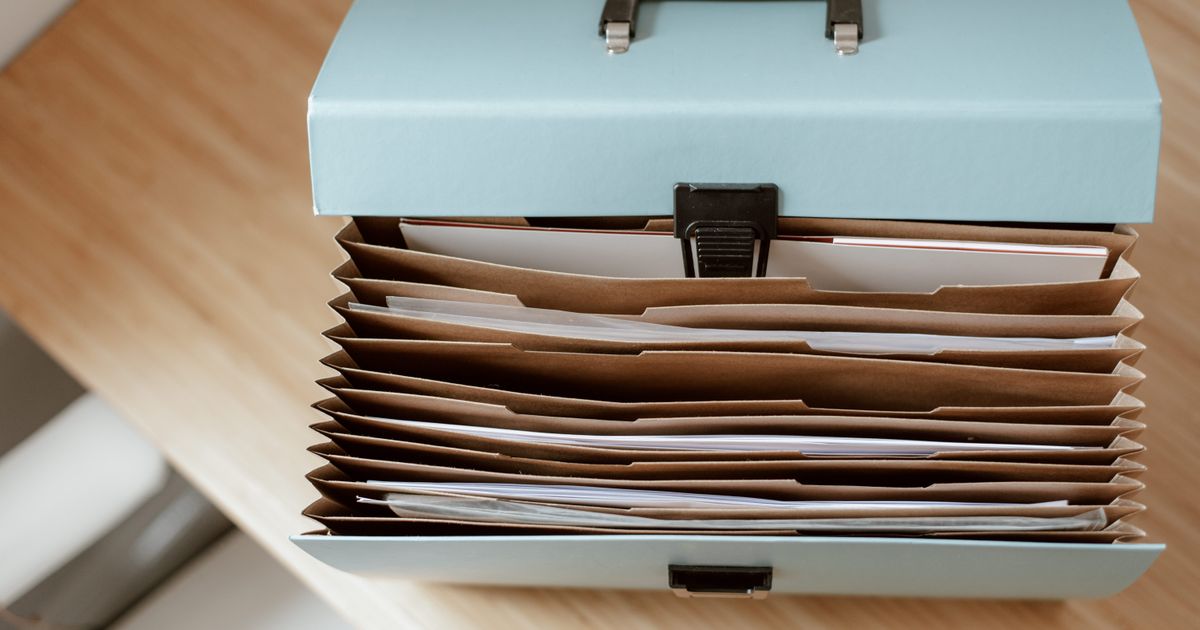
“Should I keep this?” is the question that turns a ten-minute paperwork session into a two-hour one. This checklist answers it for the most common household papers, so you can sort quickly and stop second-guessing.
Use it alongside How to Set Up a Home Paperwork System. The system gives your papers a home, and this checklist tells you which papers earn one. You’ll also find a simple scanning routine, a file-naming method, and an annual review so the pile never creeps back.
The short version: keep what proves who you are, what you own and what you owe. Scan what you might need to find fast. Shred anything with personal details once its time is up. Recycle the rest.
How to use this checklist
- Work through one pile at a time with a bin, a shred bag and a “to scan” tray beside you.
- For each paper, ask: do I need this for legal, tax, insurance or warranty reasons?
- Pick one of four actions: keep, scan, shred or recycle.
- File what you keep immediately. Don’t start a new “to file” pile.
Keep (originals, long term)
These are hard or slow to replace, so keep the original in a safe, fireproof spot if you can.
- Birth, marriage and similar certificates
- Passports and other identity documents
- Wills, powers of attorney and other legal papers
- Property deeds, vehicle ownership papers and major contracts
- Retirement and pension paperwork
- Medical records you may need again, such as vaccination records
Keep while active, then shred
- Insurance policies (home, car, life, health), for as long as the policy is in force
- Loan and mortgage documents, until paid off and confirmed closed
- Warranties and manuals, until the warranty ends
- Vehicle and home maintenance records, as long as you own the item (they help with resale)
- Employment contracts and benefit statements, while relevant
Keep for a few years
Tax records are the main one here. How long you must keep tax returns and their supporting papers depends on where you live, so check your tax agency’s current guidance. A common approach is to keep the return itself for longer and the supporting papers for the minimum period.
- Tax returns and supporting receipts
- Records of major purchases and home improvements
- Statements for investments and accounts you’ve closed (until the final tax period passes)
Keep briefly, then shred
- Monthly bills and bank statements: many people keep about a year, or less if the information is available online
- Pay stubs: until you’ve checked them against your annual summary
- ATM and card receipts: until they appear correctly on your statement
- Cheque stubs and deposit slips: until reconciled
Scan, then decide
Scanning is a good compromise for things you might need to find quickly but don’t need on paper.
- Receipts for items under warranty
- Medical bills and insurance claim letters
- Important letters and forms you’ve submitted
- Anything you might need to email or upload later
Once scanned and backed up, you can usually shred the paper unless it’s an original document.
Shred or recycle
- Shred: anything with account numbers, signatures, your full name with an address, medical details or identification numbers
- Recycle: junk mail without personal details, expired coupons and flyers
- Pre-approved offers and old cards: shred them, because they contain account information
Where to keep each type
Knowing what to keep is half the job. The other half is putting it somewhere you’ll find it. Here’s a simple setup that works for most homes.
| Type of paper | Where it lives | Notes |
|---|---|---|
| Identity and legal originals | A fireproof box or safe | Tell one trusted person where it is |
| Insurance and property | A labelled folder in your filing box | One folder per policy or property |
| Tax records | A folder per tax year | Start a new one each January |
| Medical | One folder per person | Keep recent bills and records together |
| Warranties and manuals | A single “Home and appliances” folder | Staple the receipt to the manual |
| Bills to pay | A tray or folder on your desk | Process it once a week |
How to scan and name your files
A scan you can’t find is no better than a paper you can’t find. A consistent naming habit solves that.
- Pick one folder on your computer called “Paperwork,” with a subfolder for each category above.
- Name every file the same way: year-month, what it is, who or where from. For example, 2026-10 Dishwasher receipt Appliance Store.
- Scan at a readable resolution. A phone scanning app works well for everyday papers.
- Keep a second copy somewhere else, such as an external drive or cloud storage you trust.
- Shred the paper only after you’ve opened the scan and confirmed it’s readable.
A 20-minute sorting routine
- Set a timer for 20 minutes and pick one pile or one drawer.
- Make quick decisions. If you hesitate for more than a few seconds, put it in a “maybe” folder.
- Shred, recycle and scan as you go.
- File the “keep” papers.
- Review the “maybe” folder once, a month later. Most of it won’t be needed.
Safe shredding tips
- Use a cross-cut shredder, or a local shredding service or community event
- Shred in small batches, so you don’t jam the machine
- Never put sensitive papers in the regular recycling or trash whole
If you do not own a shredder yet, a small cross-cut model handles most home paperwork:
- Cross-cut: shreds up to 6 sheets at a time into confetti-sized pieces
- More than paper: also handles credit cards, small paper clips and staples
- Built-in protection: auto start, plus thermal protection against overheating
- Jam help: a manual reverse clears stuck paper, and the 3.8 gallon bin holds plenty
An annual paperwork review
Once a year, ideally in January, give your system a short check-up. It takes about an hour and prevents the slow creep of clutter.
- Start new folders for the year, and move last year’s tax papers to long-term storage
- Shred anything whose time is up, using the lists above
- Check that insurance policies, passports and cards haven’t expired
- Review your emergency information, such as who knows where key documents are
- Update your scanned files and make sure the backup still works
This is general information, not legal or financial advice. Retention rules differ by country and situation, so check official guidance for anything important.
Common paperwork mistakes
- Keeping everything “just in case.” Most of it will never be needed, and a bulging box makes the important papers harder to find.
- Filing by feeling. Use the same categories every time, so you never wonder where something went.
- Letting the “to file” pile grow. File as you go, or set a weekly ten-minute slot.
- Scanning without backing up. One copy on one device isn’t a backup.
- Throwing away papers whole. Anything with your name, address or account details should be shredded.
If you catch yourself doing one of these, don’t worry. Fix it with a single small change this week rather than a total reorganisation.
Frequently asked questions
Is a scanned copy as good as the original?
For personal records, a clear scan is often fine. For legal documents, certificates and anything an authority may ask to see in original form, keep the paper.
What if I’m not sure how long to keep something?
Put it in a “maybe” folder with a date written on it. If nothing has called for it after a year, that’s a good sign it can go, as long as it isn’t a legal or tax document. When in doubt about those, check official guidance.
Do I really need a shredder?
A basic cross-cut shredder is a worthwhile purchase, but you can also use a shredding service or a community shredding day if you only have a pile occasionally.
The bottom line
You don’t need to keep everything, and you shouldn’t. A short checklist and a weekly ten-minute habit will keep your paper under control. Print or copy the lists above and keep them next to your filing box for the next sorting session.
Related reading
- How to Set Up a Home Paperwork System: Build the simple filing system this checklist plugs into.
- How to Run a Weekly Review in 20 Minutes: Add a quick paperwork check to your weekly reset.
- Holiday Planning Checklist: A Calm December Starts Now: Get your holiday papers, receipts and budget in order before the rush.
Enjoyed this? Get a calmer week, delivered
Occasional, no-fluff tips on planning your week, taming your to-do list and keeping home paperwork under control. No spam, and you can unsubscribe any time.